CAD/CAM SOFTWARE TRAINING · MASTERCAM & SOLIDWORKS

Master Mastercam CAD/CAM, 3D Toolpaths & CNC Simulation.

Learn industry-standard Mastercam and SolidWorks CAD/CAM software to model precision 3D parts, generate high-speed dynamic milling toolpaths, simulate collision-free cutting cycles, and post-process machine-ready G-code.
CAD/CAM Software Training
CAD/CAM
PRACTICAL · INDUSTRY · CNC
COURSE OVERVIEW

Seamlessly bridge digital 3D modeling with live CNC machine manufacturing.

The CAD/CAM Software Training course at LENOCAM delivers in-depth mastery of Mastercam, SolidWorks, and high-speed toolpath strategies. Students learn parametric 3D modeling, stock definition, 2D/3D surface machining, dynamic pocketing, multiaxis tool orientations, and controller-specific post-processing.

3D CAD MODELING 01

Parametric Mechanical Part Design

Build precision 3D CAD solid and surface models in SolidWorks & Mastercam with complex contours, drafts, fillet blends, and engineering GD&T dimensions.

DYNAMIC CAM 02

High-Efficiency 2D/3D Toolpaths

Generate Mastercam Dynamic Motion roughing toolpaths, constant scallop finishing, 3D surface high-speed profiling, and multi-surface blending.

VERIFICATION 03

Virtual Machine Simulation

Detect tool holder collisions, verify fixture clearances, analyze raw stock removal, and optimize total machining cycle times in virtual simulation.

POST-PROCESSING 04

Controller-Specific G-Code

Configure post-processors and export flawless G-code formatted specifically for Fanuc, Siemens, Haas, and Heidenhain CNC controllers.

CORE SKILLS

From engineering 3D CAD geometry to flawless spindle execution.

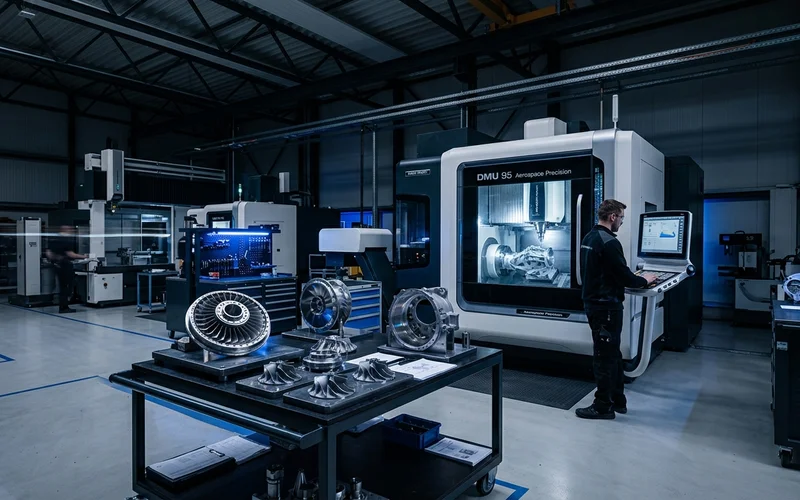
A comprehensive, industry-aligned software curriculum engineered around modern precision manufacturing, mold making, aerospace, and automotive production.

01 3D MODELING

SolidWorks & Mastercam 3D Modeling

Create production-ready 3D CAD solids, wireframes, and surfaces from 2D engineering drawings.

  • Parametric sketching and fully defined geometric constraints
  • Extrudes, cuts, lofts, sweeps, and multi-plane references
  • Importing STEP, IGES, and Parasolid files with geometry repair
  • Draft angle analysis for mold and die tooling design
02 2D CAM

2D Milling & High-Speed Dynamic Pocketing

Apply high-efficiency 2D toolpaths that reduce cycle times and extend cutting tool life.

  • Mastercam Dynamic Motion high-speed roughing
  • Facing, contouring, chamfering, and island pocketing
  • Automatic feature-based drilling, reaming, and tapping cycles
  • Lead-in/lead-out vector control and cutter compensation
03 3D SURFACE

3D High-Speed Surface Machining

Program complex organic geometries, molds, and aerospace aerodynamic contours.

  • OptiRough high-efficiency 3D core & cavity roughing
  • Equal Scallop, Waterline, and Raster finishing toolpaths
  • Rest-machining strategies for tight internal corner radii
  • Cusp height control for mirror-smooth surface finishes (Ra < 0.4 µm)
04 TOOL LIBRARIES

Tool Assemblies & Cutting Physics

Build custom digital tool libraries and calculate optimal feeds and speeds.

  • Carbide flat end mills, bull nose, ball nose & tapered cutters
  • Tool holder geometry definition (ER collets, hydraulic, shrink-fit)
  • Material-specific Surface Feet per Minute (SFM) & Chip Load
  • Stepover, stepdown, and radial engagement angle optimization
05 VERIFICATION

Kinematic Simulation & Collision Checks

Simulate material removal and verify clearances against vises and clamps.

  • Stock material removal and volumetric gouge verification
  • Tool holder, shank, and fixture interference detection
  • Rapid travel collision elimination and approach vector checks
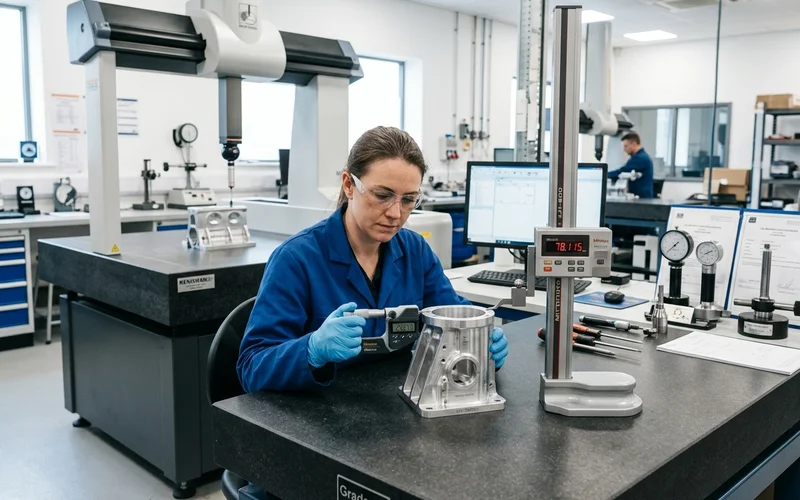
  • Cycle time estimation and machining efficiency audits
06 SHOP DEPLOYMENT

Post-Processing & Shop Floor DNC Setup

Post-process toolpaths and transmit verified programs to physical CNC machines.
  • Post-processor customization for Fanuc & Siemens systems
  • DNC / USB / Ethernet program transfer workflows
  • Machine-side setup sheets and tool list generation
  • Live test cutting and coordinate zero verification on VMC
Practical CNC Machining in Lab
PRACTICAL LEARNING

Model it in CAD. Program it in CAM. Machine it on the VMC.

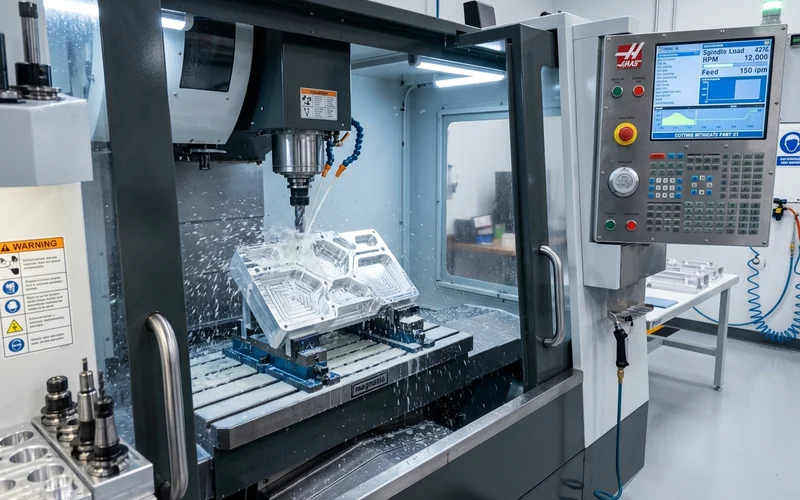
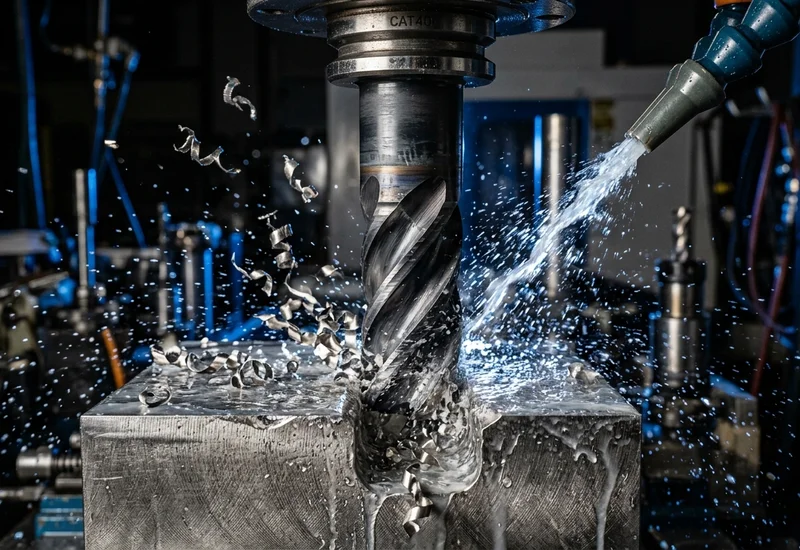
Every CAD/CAM student at LENOCAM transitions from computer workstation to machine spindle, verifying digital toolpaths on our live 3-axis VMC machines to witness real cutting physics and surface finish results.

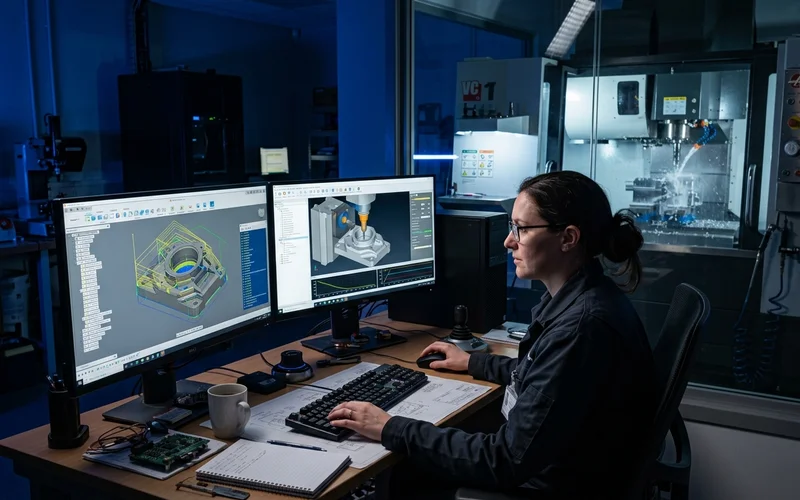
01 Mastercam 2D & 3D Dynamic Surface Toolpaths
02 Virtual Machine Simulation & Gouge Verification
03 Live VMC Spindle Toolpath Execution
WHO IT'S FOR

Built for practical learners.

01

Mechanical & Automobile Engineers

Graduates and diploma holders wanting to become high-earning CAD/CAM programmers and manufacturing design engineers.

02

CNC Operators Seeking Promotion

Experienced machine operators aiming to step up into air-conditioned CAD/CAM programming offices and production planning roles.

03

Tool & Die and Mold Makers

Technicians seeking mastery of complex 3D surface machining, electrode design, and high-speed CNC milling.

YOUR NEXT STEP

Training that moves you toward the workplace.

LENOCAM provides practical training and career-focused learning to help students move toward manufacturing work.

01 3D CAD Modeling & Blueprints
02 Mastercam CAM Programming
03 Industrial CAD/CAM Engineer Placement
READY TO START?

Take the next step with LENOCAM.

Talk to the LENOCAM team about course details, training schedules and the right program for your goals.